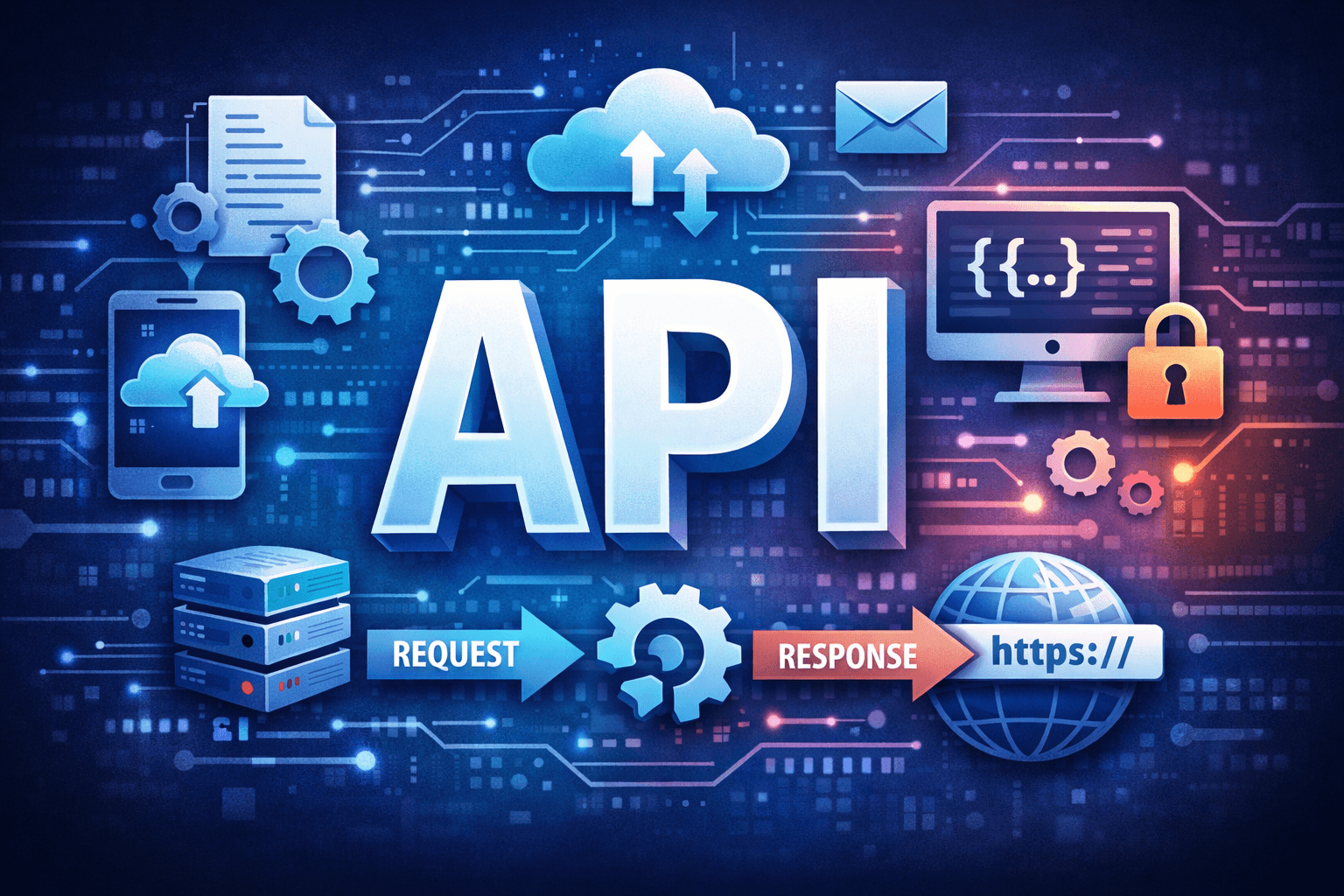

If you’ve ever logged into a website using Google, checked the weather on your phone, or sent a payment through an app — you’ve used an API, even if you didn’t know it.
APIs are the invisible bridges that allow different software systems to communicate with each other. In today’s digital world, almost everything runs on APIs.
This article explains:
What APIs really are
How they work
Why they matter
How to use them (with simple code)
No fluff. No confusion. Just clarity.

🔍 What Is an API?
API stands for Application Programming Interface.
In simple terms:
An API is a set of rules that lets one software application talk to another.
Think of an API like a restaurant menu:
You (client) choose an item
The waiter (API) delivers your request to the kitchen (server)
The kitchen prepares the food (data)
The waiter brings it back to you
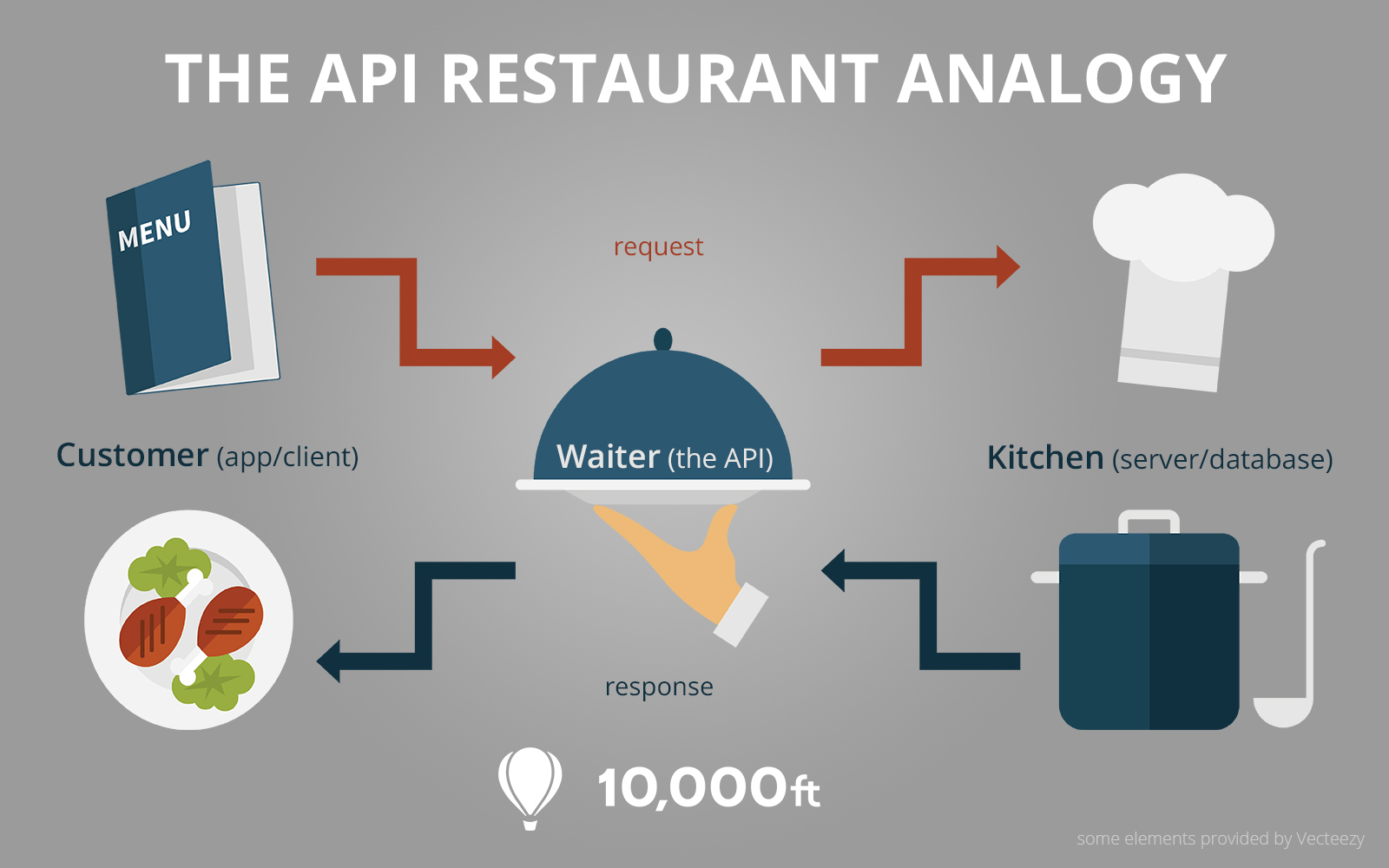
You never enter the kitchen — you just interact with the menu.

🧠 Why APIs Are So Important
APIs power modern software.
They allow:
🌍 Web apps to talk to servers
📱 Mobile apps to fetch data
🤖 AI models to access services
💳 Payment gateways to process money
Without APIs:
Apps would be isolated
Systems wouldn’t scale
Automation would be nearly impossible
Companies like Google, Meta, and Stripe are built on APIs.
🔁 How an API Works (Step-by-Step)

Client sends a request
API endpoint receives it
Server processes the request
Response is sent back (usually JSON)
📦 Types of APIs (You Should Know)
🔹 REST APIs (Most Common)
Uses HTTP methods
Lightweight and scalable
Easy to use
🔹 SOAP APIs
XML-based
Very strict rules
Used in enterprise systems
🔹 GraphQL APIs
Client decides what data it wants
Efficient but more complex
Most beginners start with REST APIs — and that’s what we’ll focus on.
🧾 HTTP Methods Explained Simply
| Method | Purpose |
| GET | Fetch data |
| POST | Send data |
| PUT | Update data |
| DELETE | Remove data |
Example:
GET /users
POST /login
DELETE /posts/5
🧪 A Simple API Example (Using Python)
Let’s call a public API using Python.
import requests

url = "<https://api.agify.io?name=mufrit>"
response = requests.get(url)

data = response.json()
print(data)
Output:
{
  "name": "mufrit",
  "age": 25,
  "count": 120
}
🧠 What happened here?
Your program sent a request
The API responded with JSON data
You used that data in your app
🧬 What Is JSON?
JSON (JavaScript Object Notation) is:
Lightweight
Human-readable
Language-independent
APIs mostly send data in JSON format.

🔐 API Authentication (Very Important)
Not all APIs are public.
Common authentication methods:
API Keys
OAuth Tokens
JWT (JSON Web Tokens)
Example:
headers = {
    "Authorization": "Bearer YOUR_API_TOKEN"
}
requests.get(url, headers=headers)
This prevents:
Abuse
Unauthorized access
Data leaks
⚙️ Building a Simple API (Mini Example)
Using FastAPI:
from fastapi import FastAPI

app = FastAPI()

@app.get("/hello")
def hello():
    return {"message": "Hello API World"}
Run it and visit:
<http://127.0.0.1:8000/hello>
🎉 You just created an API!
🧠 APIs in AI & Computer Vision
APIs are everywhere in AI systems:
Sending images to ML models
Returning predictions
Connecting frontend to backend
Example:
POST /predict
→ send image
← receive label
This is how AI goes from notebooks → real-world apps.
⚠️ Common Beginner Mistakes
❌ Ignoring error codes
❌ Hardcoding API keys
❌ Not validating inputs
❌ Forgetting rate limits
✔️ Always check response status
✔️ Secure your keys
✔️ Read API documentation
🚀 Final Thoughts
APIs are the backbone of modern software.
If you understand:
Requests & responses
JSON data
HTTP methods
You can:
Build scalable apps
Connect AI models
Automate workflows
Work professionally with backend systems
Master APIs — and you unlock the internet.
📚 References
MDN Web Docs.
What is an API?
https://developer.mozilla.org/en-US/docs/Learn/JavaScript/Client-side_web_APIs/Introduction
IBM.
API concepts and examples.
Postman.
What is a REST API?
FastAPI.
FastAPI Documentation.
Wikipedia.
Application Programming Interface.
