

Computer Vision is one of the most exciting fields in Artificial Intelligence. It allows machines to see, understand, and make decisions from images and videos — just like humans do.
From face recognition and medical imaging to self-driving cars and smart agriculture, computer vision is everywhere. In this blog, we’ll explore how TensorFlow helps us build computer vision systems in a simple and practical way.
This guide is written for:
Beginners in AI / ML
Students learning deep learning
Anyone curious about how computers “see”
No heavy math. No confusing jargon. Just concepts that make sense.

🧠 What Is Computer Vision?
Computer Vision (CV) is a field of AI that enables computers to extract meaningful information from images and videos.
Humans naturally understand images:
“This is a cat”
“That is a road”
“There’s a tumor in this scan”
A computer, however, only sees numbers — pixel values.
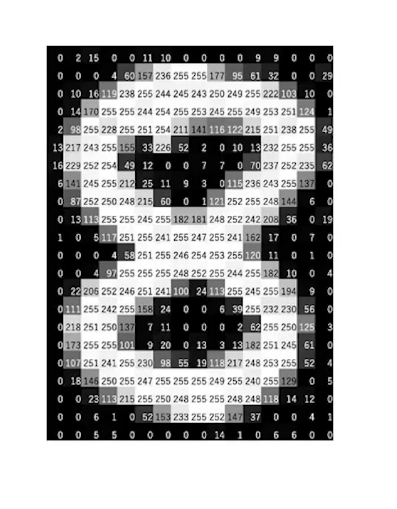
An image is actually:
A grid of pixels
Each pixel has numerical values (RGB or grayscale)
A model learns patterns from these numbers
🔷 Why TensorFlow for Computer Vision?
TensorFlow is an open-source machine learning framework designed to build and deploy AI models efficiently.
Why TensorFlow is popular for computer vision:
✅ Beginner-friendly (via Keras)
✅ GPU / TPU support
✅ Pre-trained vision models
✅ Huge community & documentation
✅ Production-ready
In short: TensorFlow lets you focus on ideas, not boilerplate code.
🏗️ How Computer Vision Works
Before touching code, let’s understand the pipeline.
Typical Computer Vision Workflow
Collect images (cats, dogs, X-rays, satellites, etc.)
Preprocess data
Resize
Normalize
Augment
Build a model
Train the model
Evaluate & improve
Deploy or test on new images
🧬 Convolutional Neural Networks (CNNs) — The Core Idea
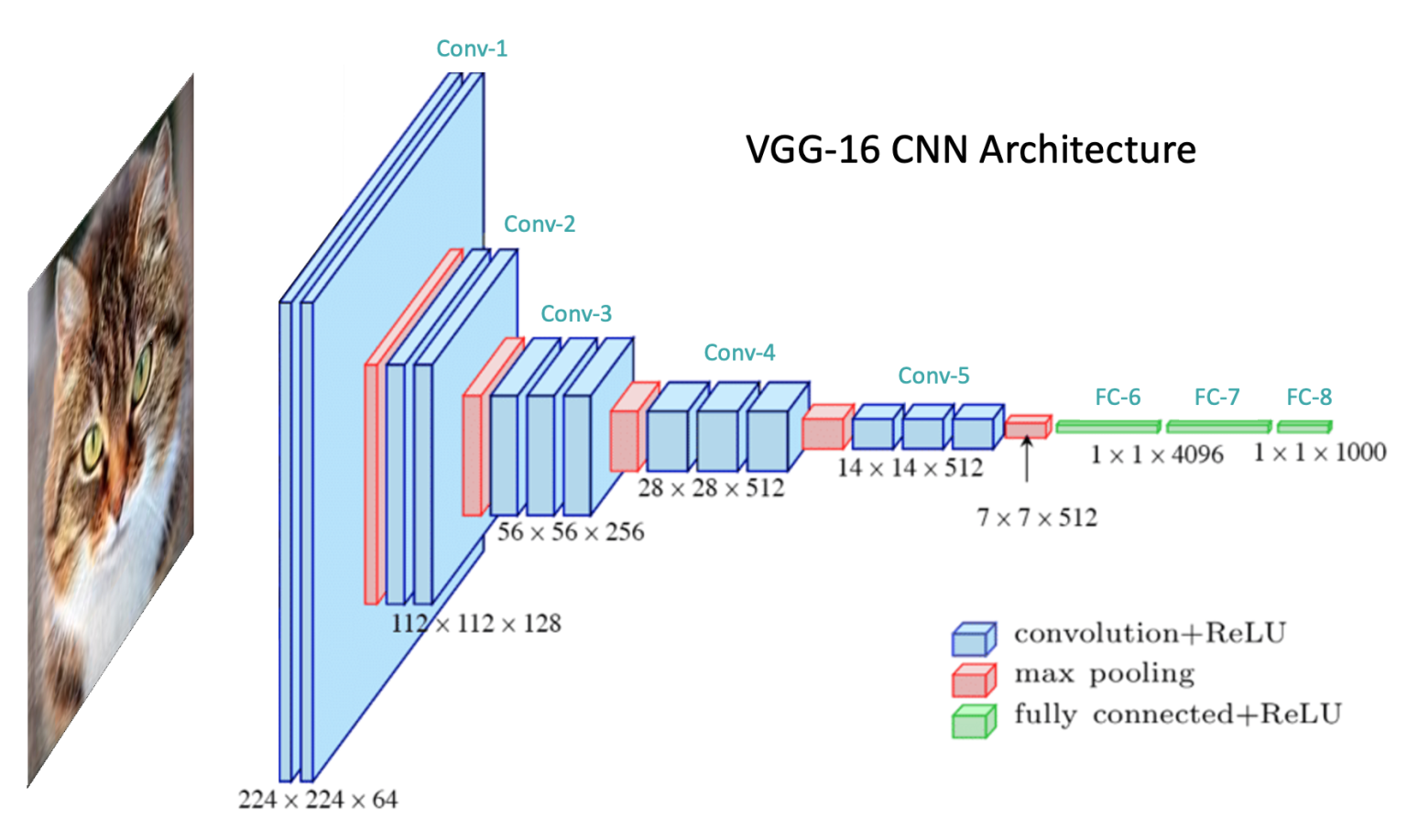
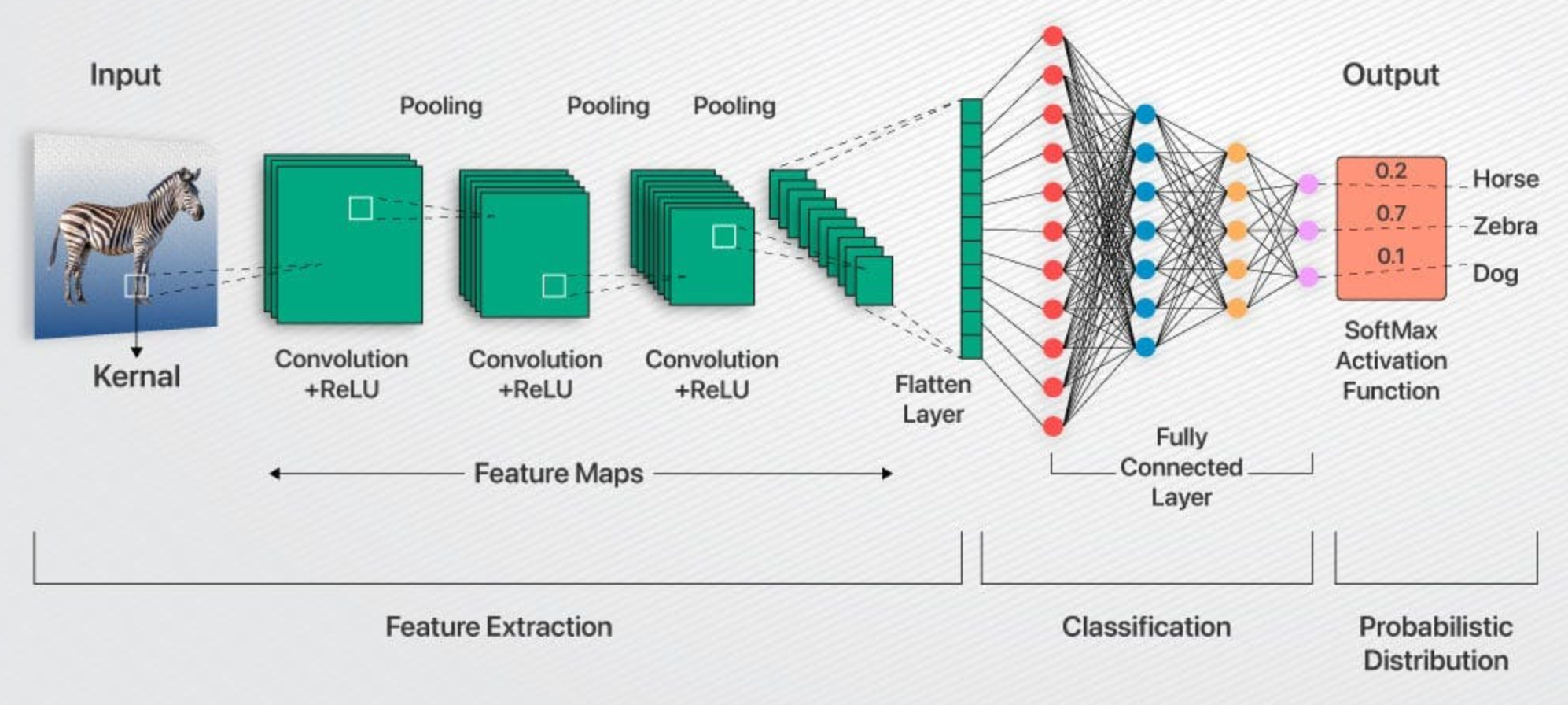
CNNs are the backbone of most computer vision systems.
Why CNNs?
CNNs automatically learn:
Edges
Corners
Textures
Shapes
Objects
Instead of manually coding rules, the network learns features by itself.
Key CNN Components
| Layer | Purpose |
| Convolution | Extract features |
| ReLU | Add non-linearity |
| Pooling | Reduce size |
| Dense | Final decision |
🧪 Your First TensorFlow Computer Vision Example
Let’s build a simple image classifier using TensorFlow and Keras.
Step 1: Install & Import Libraries
import tensorflow as tf
from tensorflow.keras import layers, models
Step 2: Load an Image Dataset
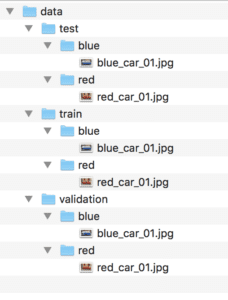
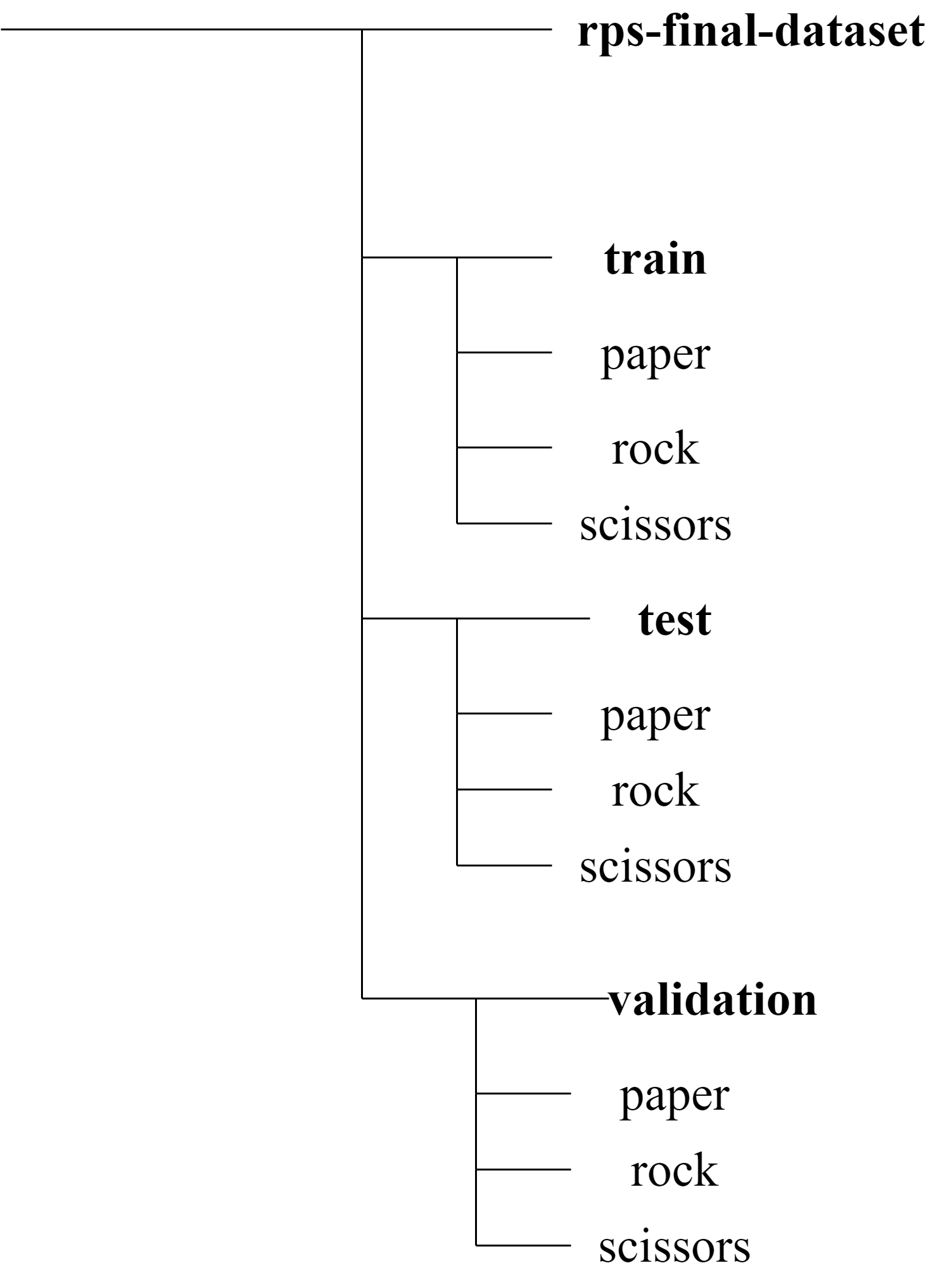
We’ll use a folder-based dataset where each folder is a class.
train_ds = tf.keras.utils.image_dataset_from_directory(
    "dataset/",
    image_size=(180, 180),
    batch_size=32
)
📌 TensorFlow automatically:
Reads images
Assigns labels
Creates batches
Step 3: Build the CNN Model
model = models.Sequential([
    layers.Rescaling(1./255),
    layers.Conv2D(16, 3, activation='relu'),
    layers.MaxPooling2D(),
    layers.Conv2D(32, 3, activation='relu'),
    layers.MaxPooling2D(),
    layers.Flatten(),
    layers.Dense(128, activation='relu'),
    layers.Dense(3)
])
🧠 What’s happening here?
Images are normalized
CNN layers extract features
Dense layers make predictions
Step 4: Compile & Train
model.compile(
    optimizer='adam',
    loss='sparse_categorical_crossentropy',
    metrics=['accuracy']
)

model.fit(train_ds, epochs=10)
After training, your model can recognize patterns from images.
🖼️ Visualizing What the Model Learns
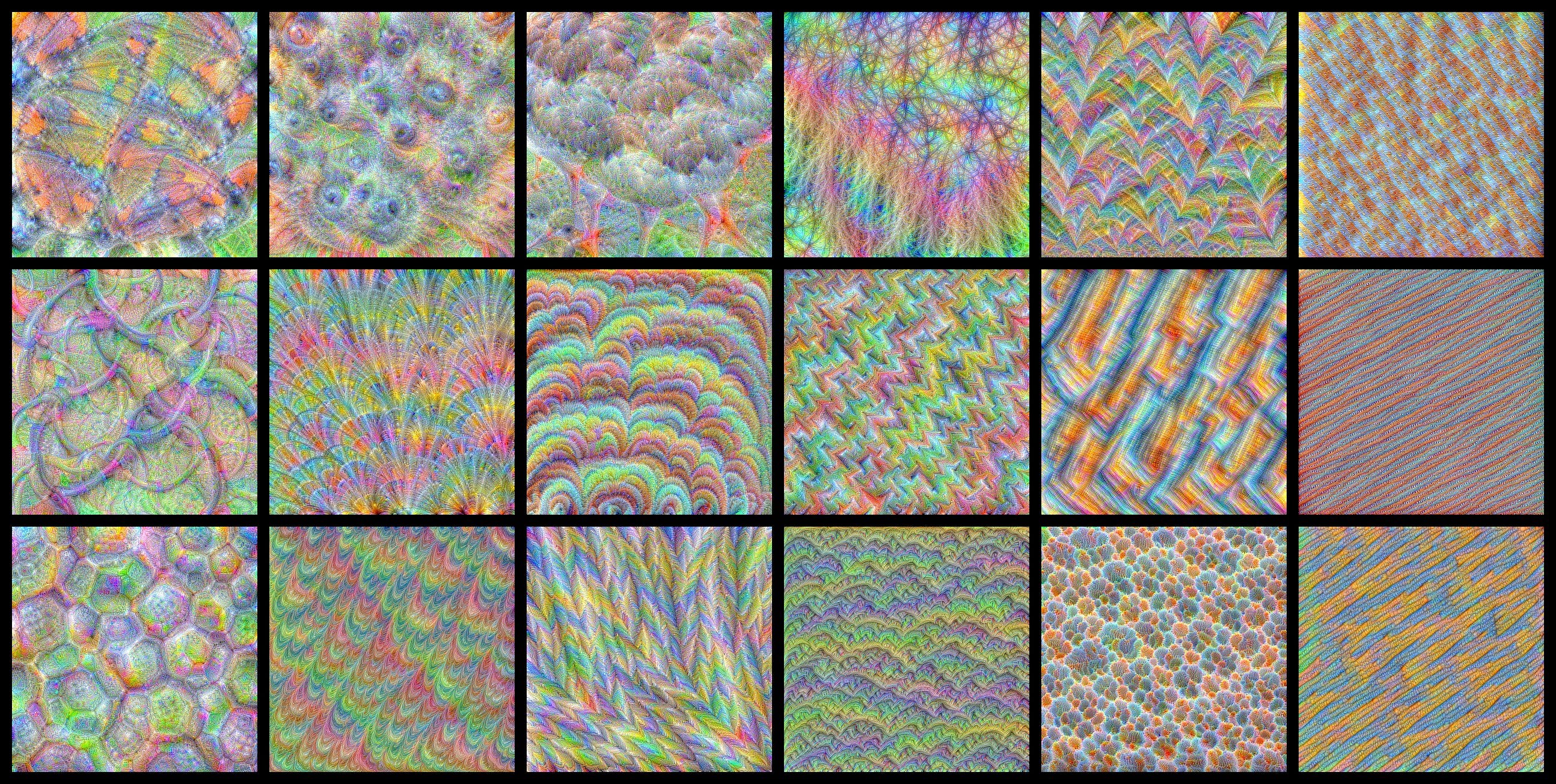
CNNs don’t just guess — they see patterns.


Early layers learn:
Edges
Colors
Deeper layers learn:
Shapes
Objects
🔁 Transfer Learning (Pro Tip)
Instead of training from scratch, use pre-trained models.
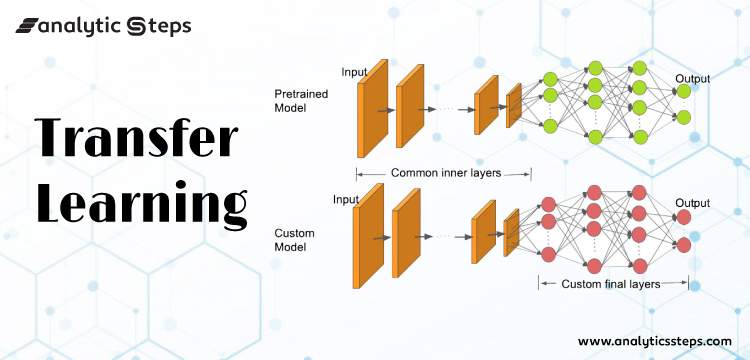
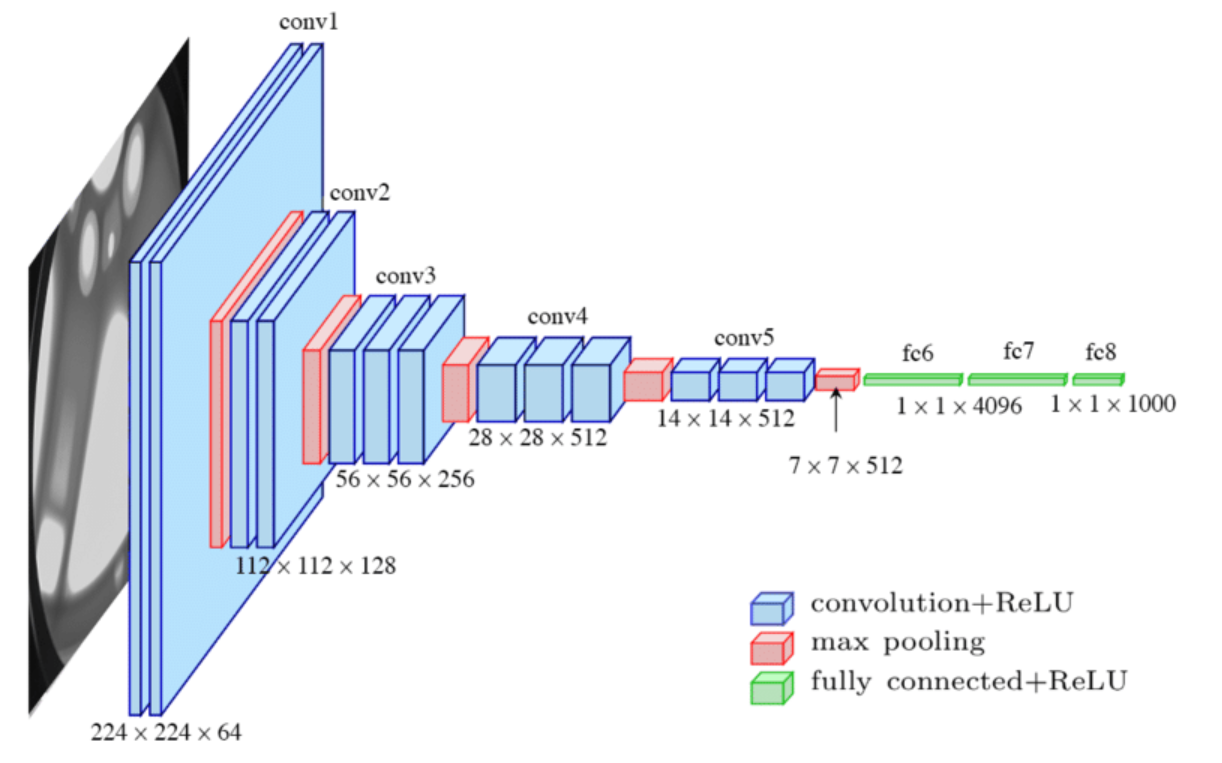
Popular pre-trained models:
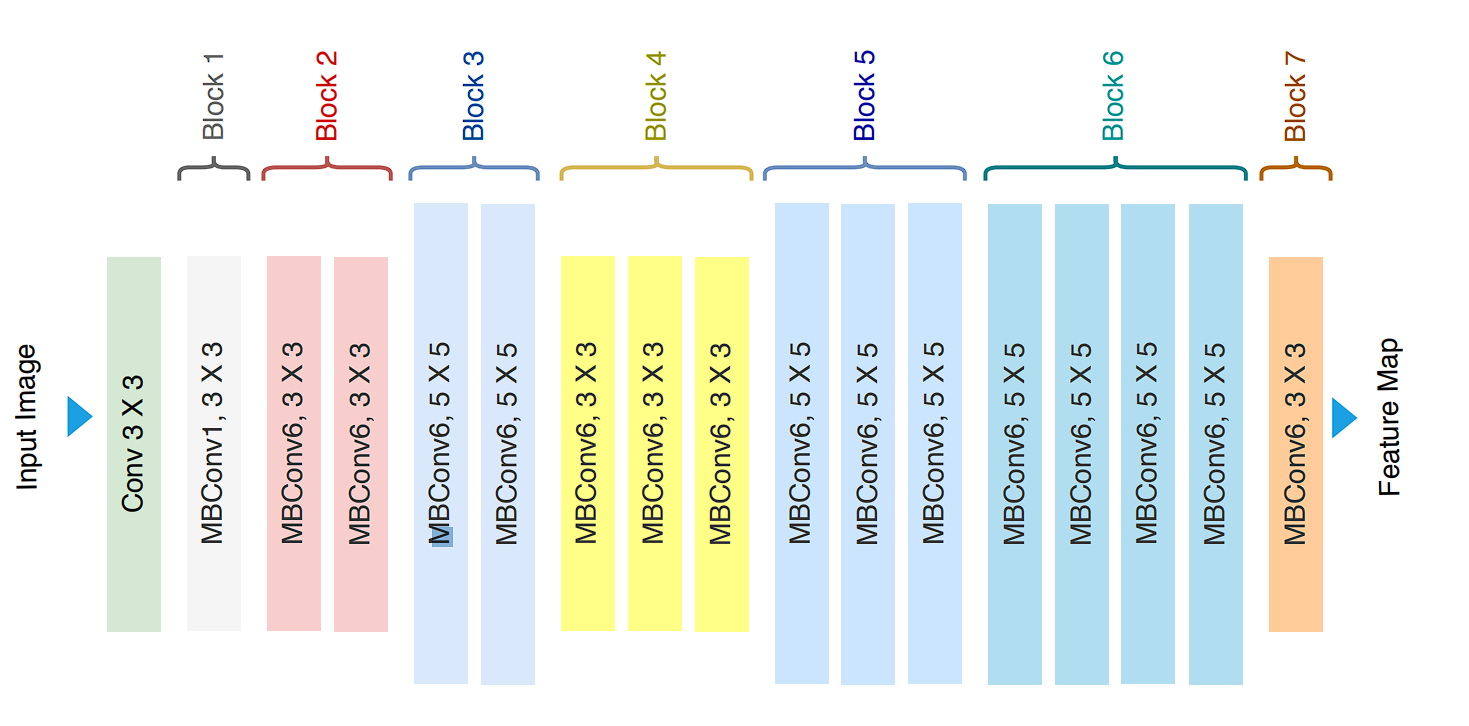
MobileNet
ResNet
EfficientNet
Why use them?
Faster training
Better accuracy
Less data needed
🚀 Real-World Applications
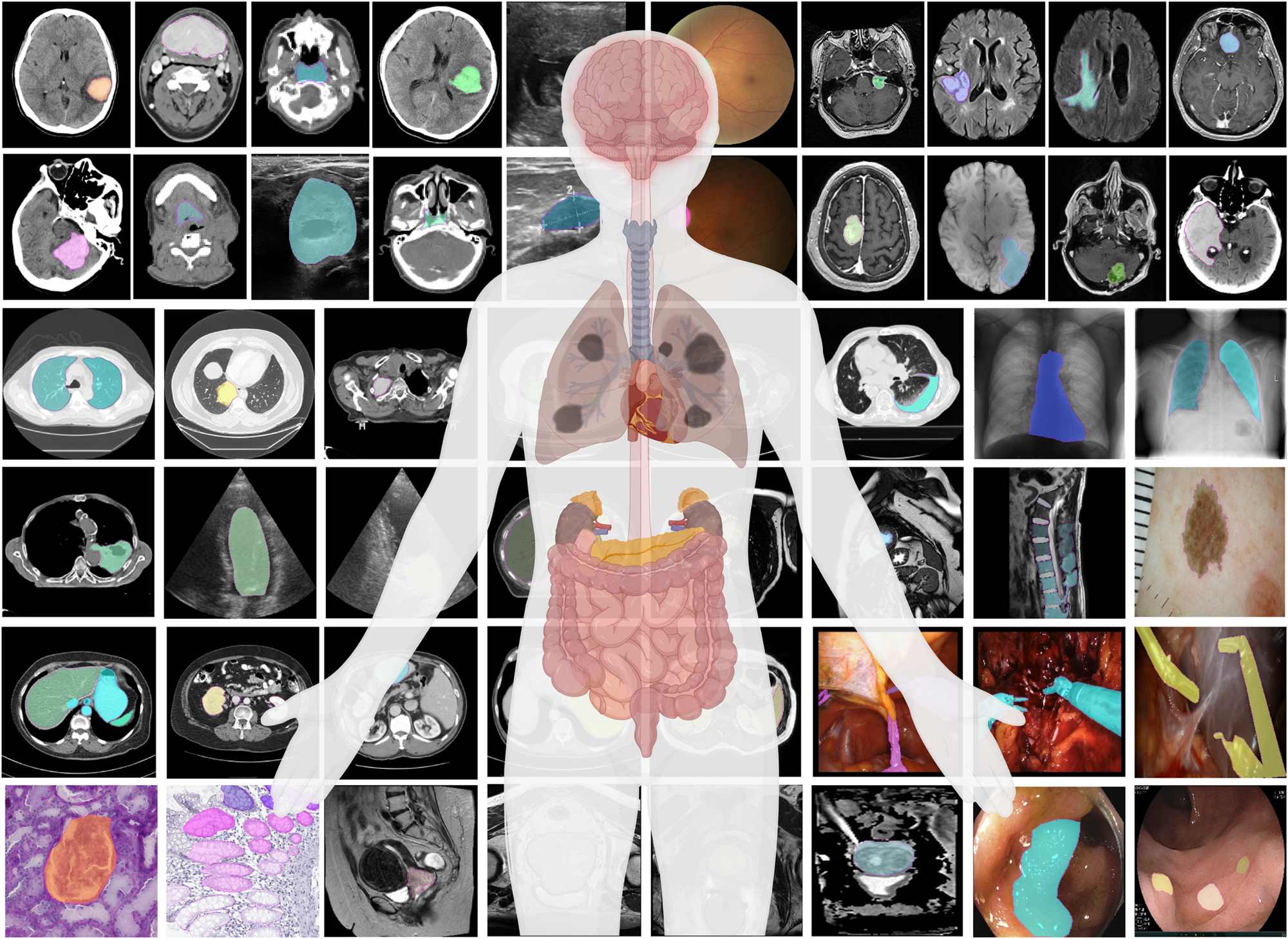
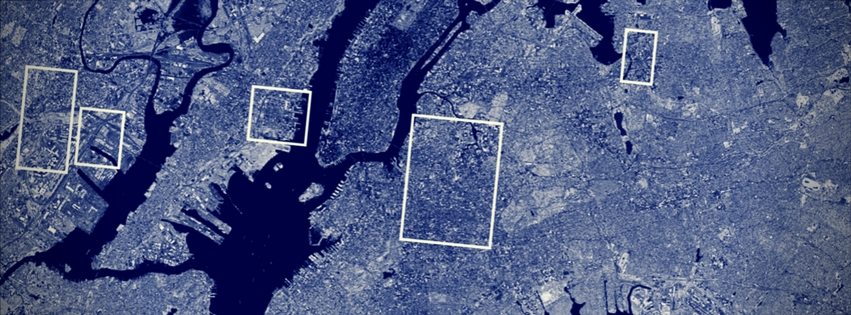
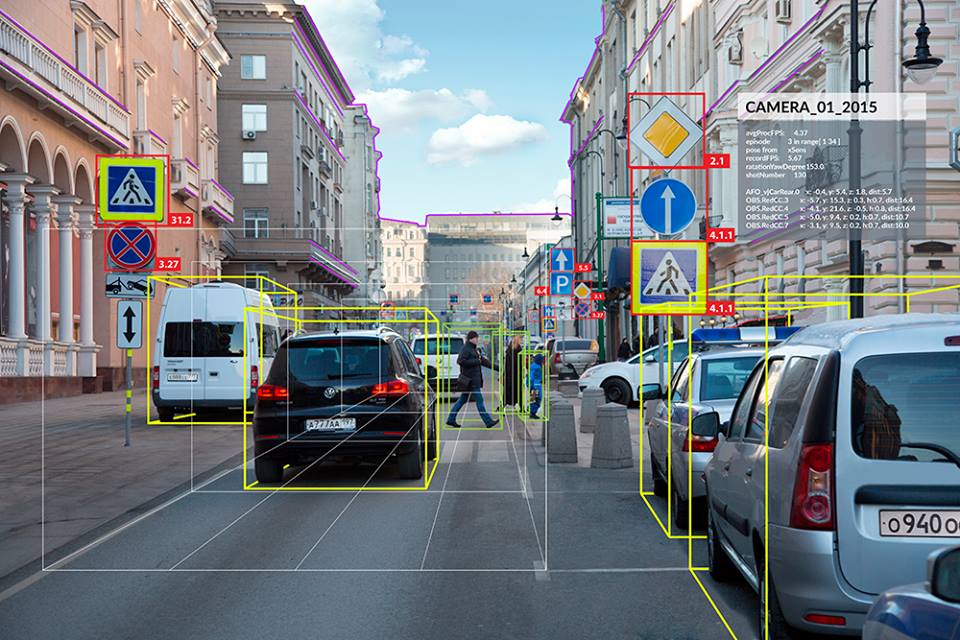
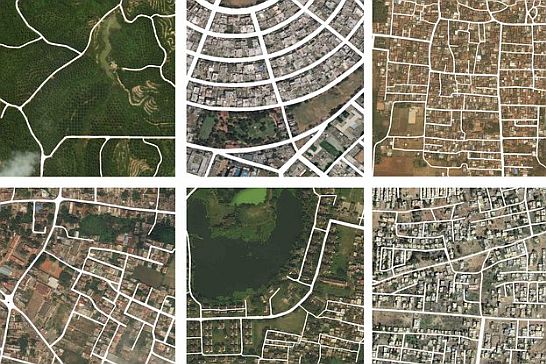
Computer Vision + TensorFlow is used in:
🏥 Medical imaging (tumor detection)
🚗 Autonomous driving
🌱 Agriculture monitoring
🔐 Face recognition
🛰️ Satellite image analysis
⚠️ Common Beginner Mistakes
❌ Training on small datasets without augmentation
❌ Ignoring overfitting
❌ Using wrong image normalization
❌ Training from scratch unnecessarily
✔️ Use validation data
✔️ Visualize results
✔️ Start simple
🧠 Final Thoughts
Computer Vision may sound complex, but with TensorFlow, it becomes approachable and practical.
If you understand:
Images = numbers
CNNs = pattern learners
TensorFlow = powerful tool
📚 References
TensorFlow.
TensorFlow: An end-to-end open-source machine learning platform.
Google Developers.
Image classification using TensorFlow.
Keras.
Keras Documentation – Deep Learning for Humans.
GeeksforGeeks.
Introduction to TensorFlow.
Analytics Vidhya.
A Beginner’s Guide to Convolutional Neural Networks (CNNs).
https://www.analyticsvidhya.com/blog/2018/12/guide-convolutional-neural-network-cnn/
LearnOpenCV.
Deep Learning for Computer Vision.
Wikipedia.
Computer Vision.
Wikipedia.
Convolutional Neural Network.
Stanford University.
CS231n: Convolutional Neural Networks for Visual Recognition.
Google AI Blog.
Advances in Computer Vision with Deep Learning.
